System Requirements
Supported Processors
Intel & AMD
Supported Graphics Cards
NVIDIA & AMD
Supported OS
Windows 10 x64 (all build) & 11 x64 (build 21H2, 22H2, 23H2, 24H2, 25H2)
Supported BIOS Mode
UEFI
Supported Game Client
Steam
Project Type
External
Included Spoofer
No
Stream Bypass
Yes
⚠️ No BIOS setup required.
👁️ Player ESP
Enable Player - Display players
Box - Display 2D boxes around players
2D Box - Change the box style
Distance - Display player distance
Laser - Display player view direction
Skeleton - Display player skeletons
Health Bar - Display player health
Lines - Display lines to players
Radar Arrow - Display player arrows on radar
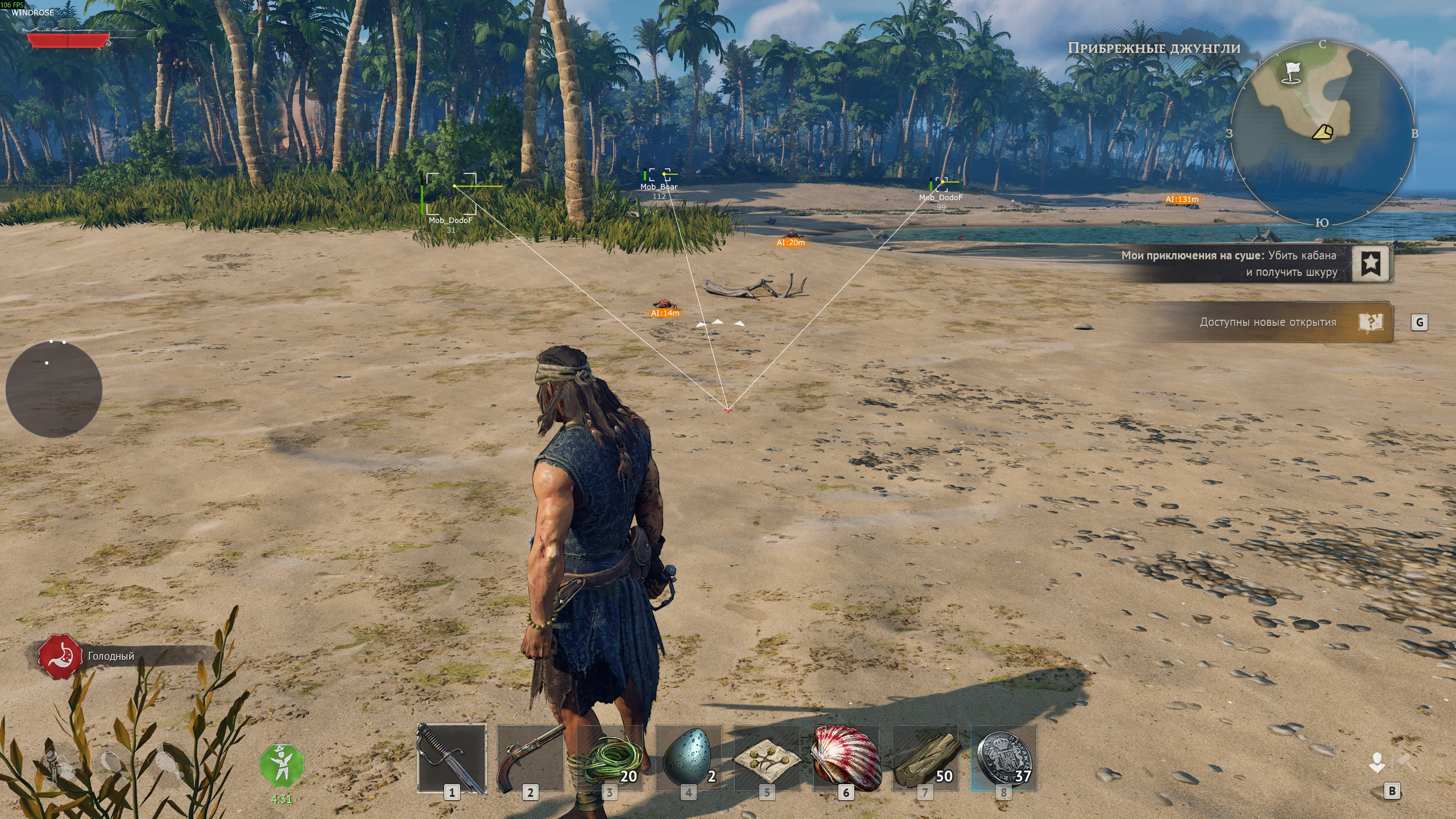
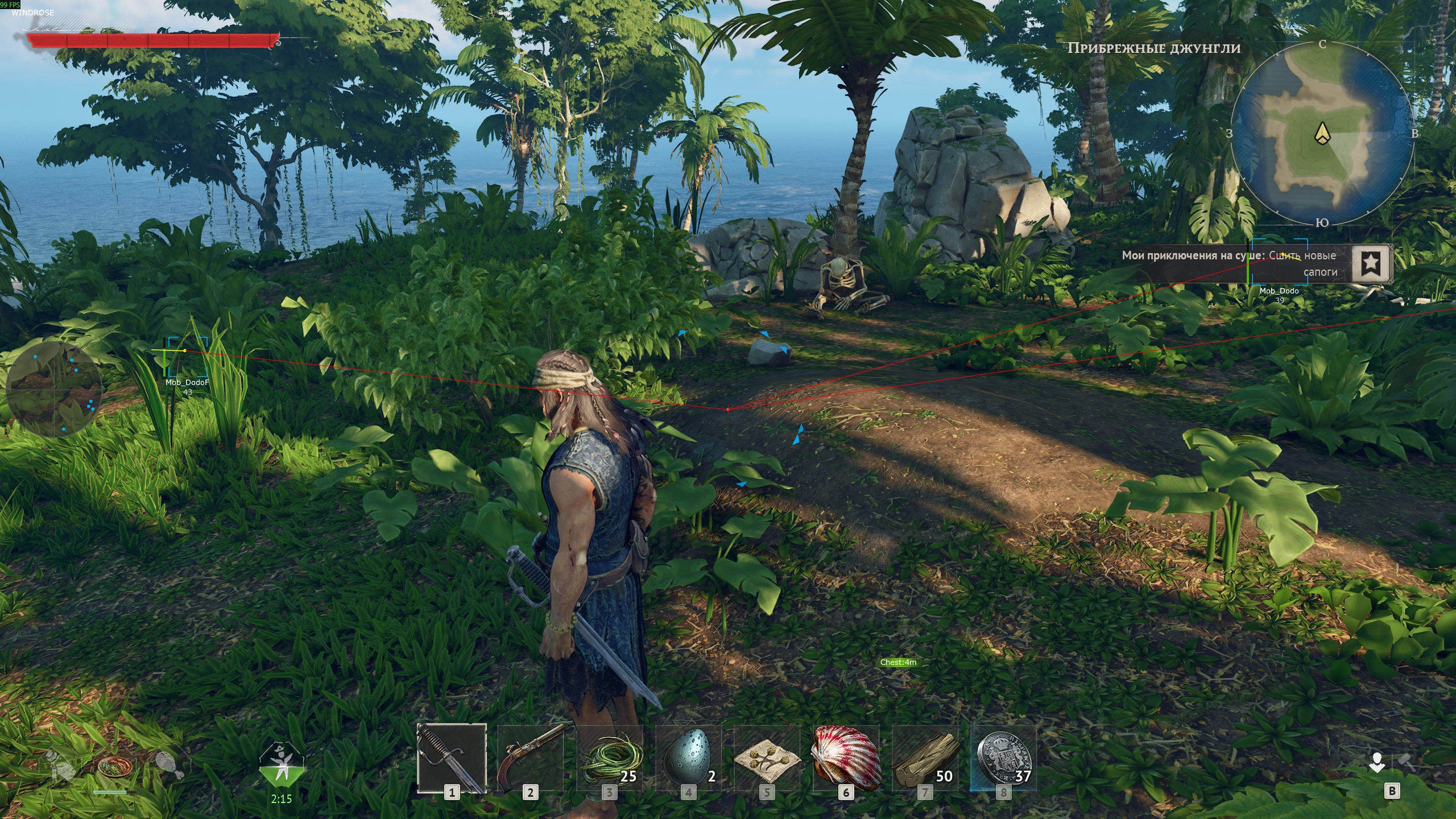
🤖 AI ESP
Enable AI - Display AI
Box - Display 2D boxes around AI
2D Box - Change the box style
Distance - Display AI distance
Nickname - Display AI names
Laser - Display AI view direction
Health Bar - Display AI health
Lines - Display lines to AI
Radar Arrow - Display AI arrows on radar
⚙️ Other
Crosshair - Display crosshair
Distance ESP - Adjust ESP display distance
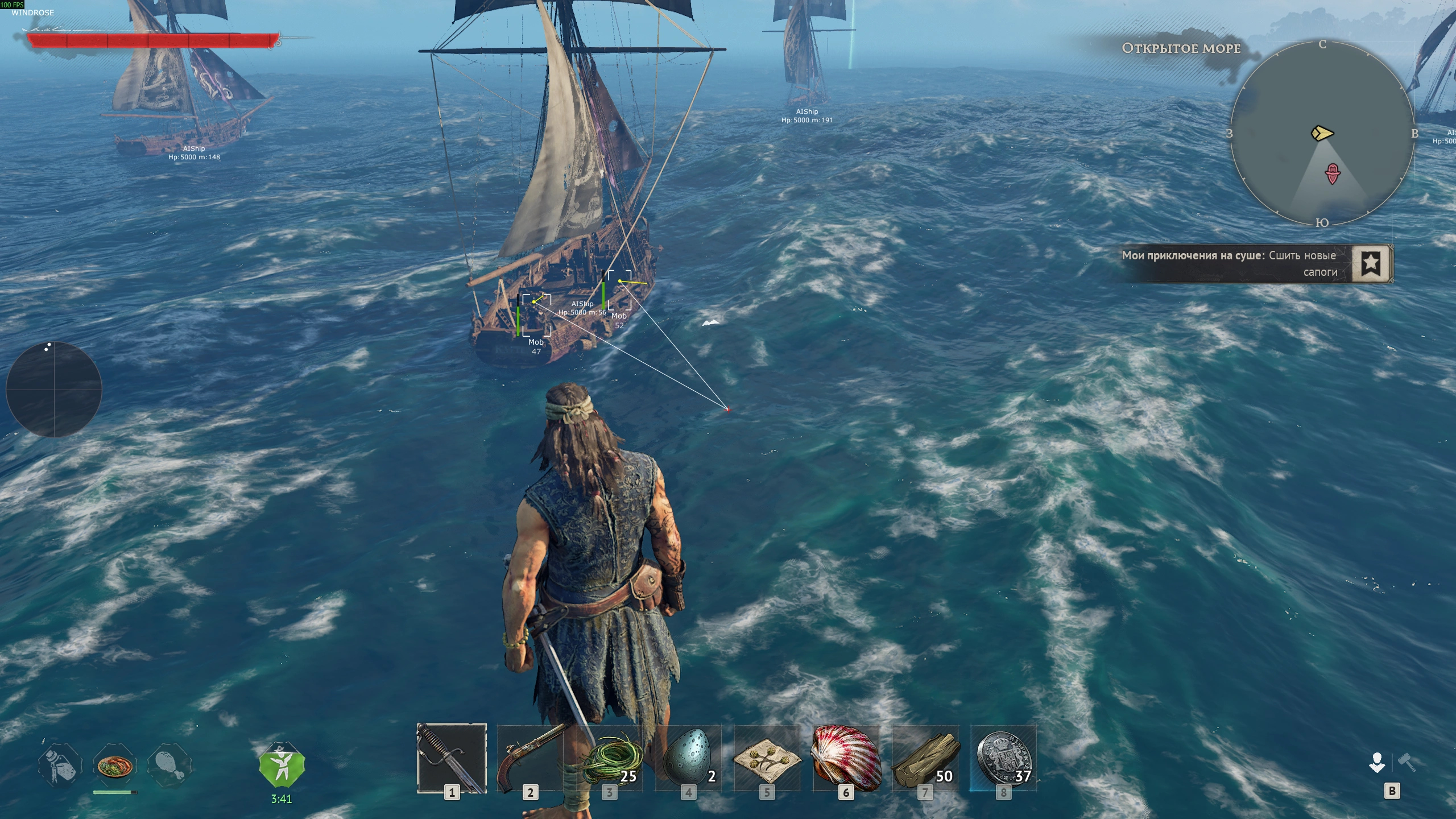
🏞️ Ship ESP
Enable - Enable Ship ESP
Ship Distance - Adjust ship display distance
📡 Radar
Enable - Enable radar
Circle Radar - Enable circular radar
Radar Size - Adjust radar size
Dot Size - Adjust radar dot size
Radar Scale - Adjust radar scale
Background Alpha - Adjust radar background transparency
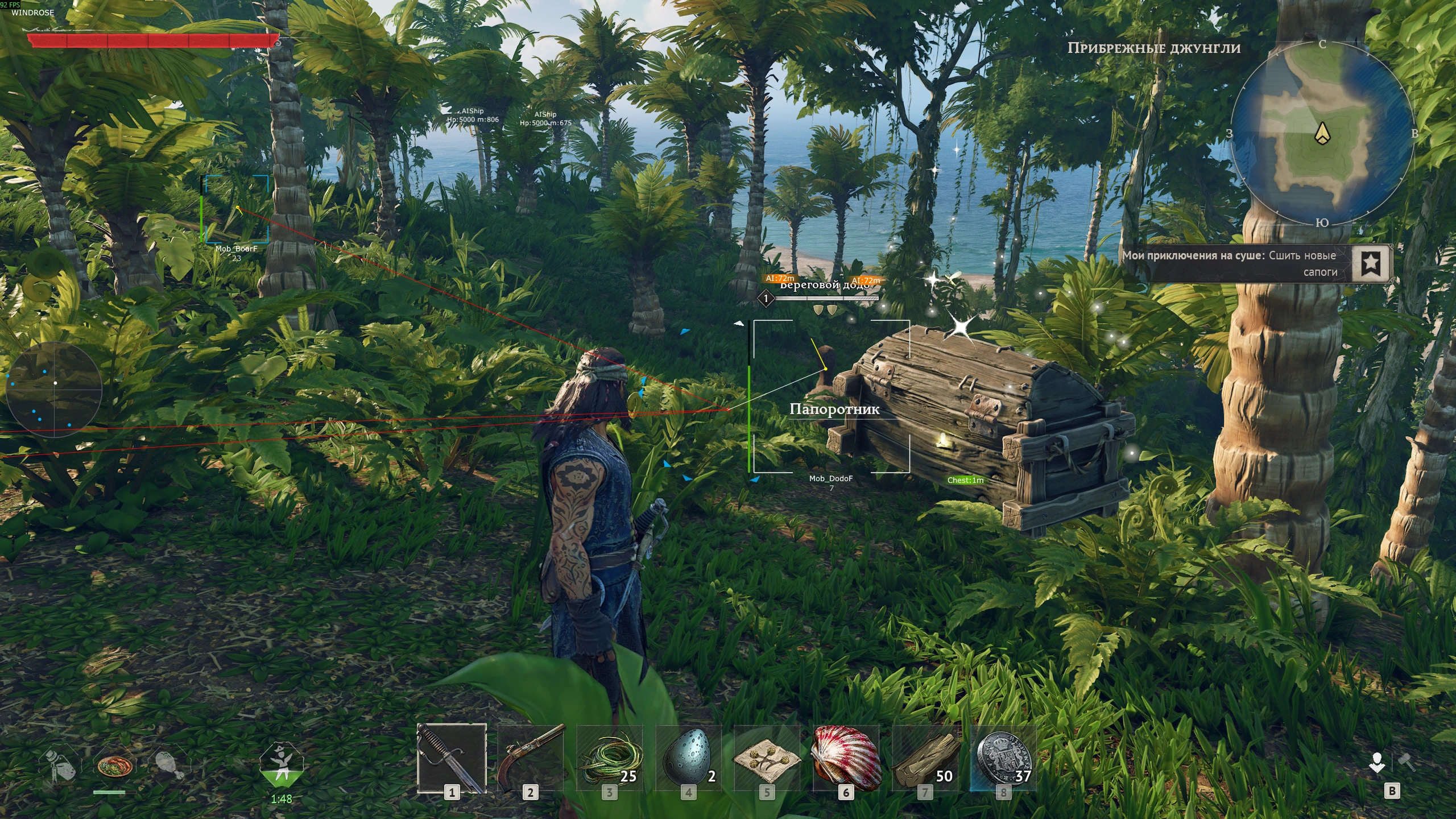
🎒 Visuals (Loot)
Enable Loot [F4] - Enable loot display
Chest - Display chests
Barrel - Display barrels
Resource - Display resources
Loot - Display loot
Mineral - Display minerals
AI Simple - Display AI loot
Loot Distance - Adjust loot display distance
Debug Name - Display debug information
Debug Loot Distance - Adjust debug display distance
🎯 Aimbot
Main
Enable Aimbot - Enable aimbot
Hotkey - Set the aimbot activation key
Enable Player - Enable aimbot for players
Enable AI - Enable aimbot for AI
Enable Ship - Enable aimbot for ships
Prediction - Enable movement prediction
FOV - Adjust the aimbot FOV
Selection
Draw FOV - Display the aimbot FOV
FOV - Adjust the aimbot FOV
Smooth - Adjust aiming smoothness
Distance - Adjust aimbot range
Smoothing Curve - Enable smoothing curve
Bezier Tension - Adjust smoothing curve tension
💥 Miscellaneous
Exploit
Brightness - Adjust brightness
Speed Modifier - Enable speed modifier
Modifier Speed - Adjust movement speed
Offline Exploit
No Gravity [F5] - Disable gravity
Fly Hack [F6] - Enable fly mode
Unlimited Stamina - Enable unlimited stamina
Unlimited Health - Enable unlimited health
Teleport
Enable - Enable teleport
Z Hotkey [Z] - Teleport hotkey
Chest - Teleport to chests
Loot - Teleport to loot
Barrel - Teleport to barrels
Resource - Teleport to resources
NPC - Teleport to NPCs
Position X - Adjust X position
Position Y - Adjust Y position
Teleport FOV - Adjust teleport range
🎨 Color
Player Visible - Change visible player color
Player Invisible - Change invisible player color
NPC Visible - Change visible NPC color
NPC Invisible - Change invisible NPC color
Chest - Change chest color
Barrel - Change barrel color
Resource - Change resource color
Loot - Change loot color
Mineral - Change mineral color
AI Simple - Change AI color
⌨️ Hotkeys
Menu Key - Press Insert to open or close the menu
Panic Key - Press Delete (DEL) to disable all cheat features
* The functionality of the program can be changed at any time at the discretion of the developer. We strive to reflect the latest available features.
A powerful and reliable Windrose product developed by BC Projects.
No reviews yet.
No customer feedback for this product yet.
WINDROSE
BC : WINDROSE
Undetected
Last updated:
—